Getting started: your first 5 minutes
When you open SlipRelay for the first time, a short guide walks you through setup. The goal is your next pick posted everywhere you post, at once.
## 1. Where do you post your picks?
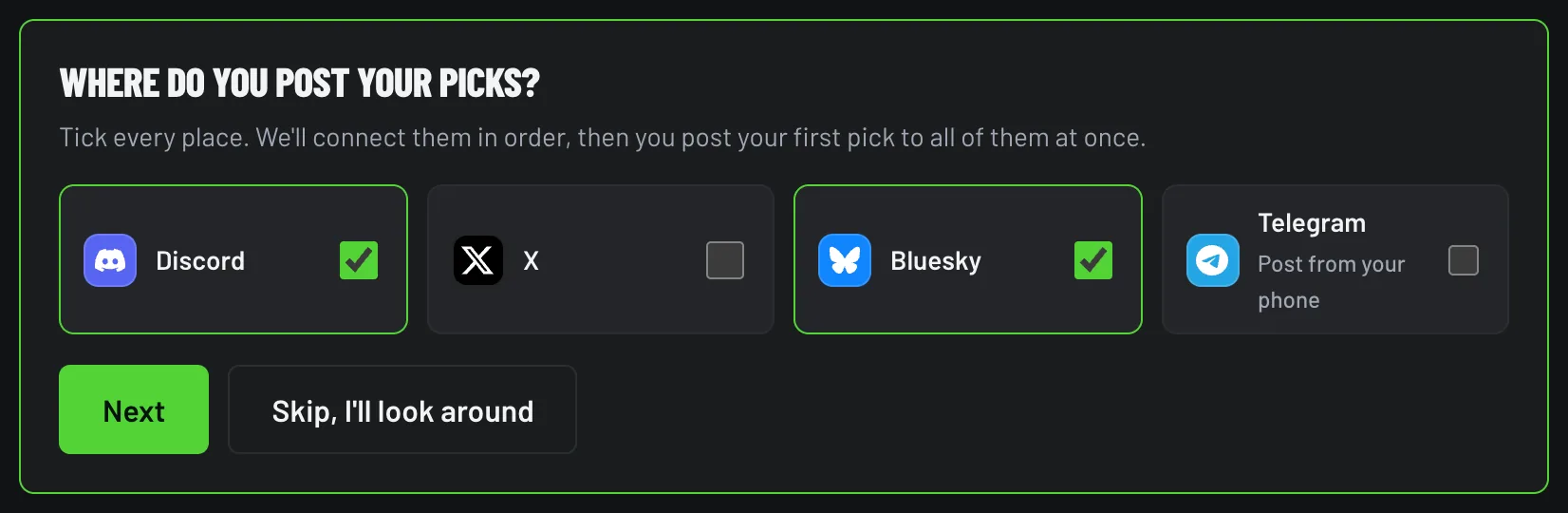
Tick every place you post: Discord, X, Bluesky and Telegram (for sending picks from your phone). Then click Next.
Just looking? Click Skip, I'll look around. The setup checklist stays at the top of New post.
## 2. Connect them in order
The guide shows "Next: <platform>" and a button for each one. Each takes about 30 seconds:
- Discord: Connect Discord → pick your server and channel on Discord's screen → Authorize. More
- X: Connect X → Authorize app. X is on Starter and up. More
- Bluesky: type your handle → Connect with Bluesky → approve. More
- Telegram: Link Telegram → tap Start in the bot. More
The heading counts up as you go: "1 of 3 connected", "2 of 3 connected"…
## 3. Post your first pick
When everything's connected, click Post your first pick. Or click Post with what's connected if you want to post now and finish the rest later. Every connected platform is ticked for you, so one entry goes everywhere.
Not sure how it'll look? Send a test card first.
## Next
- When the game ends, the result posts itself. How grading works
- Turn on your public record page and put the link in your bio.