Your public record page
A link you can put in your bio, so buyers can check your record without asking: sliprelay.com/r/yourname.
## Turn it on
- Go to Accounts → Your brand → Public record page.
- Pick your link name: 3–24 characters, letters, numbers and
_. It starts as your brand name. - Switch on Show my record at sliprelay.com/r/…, then Copy link.
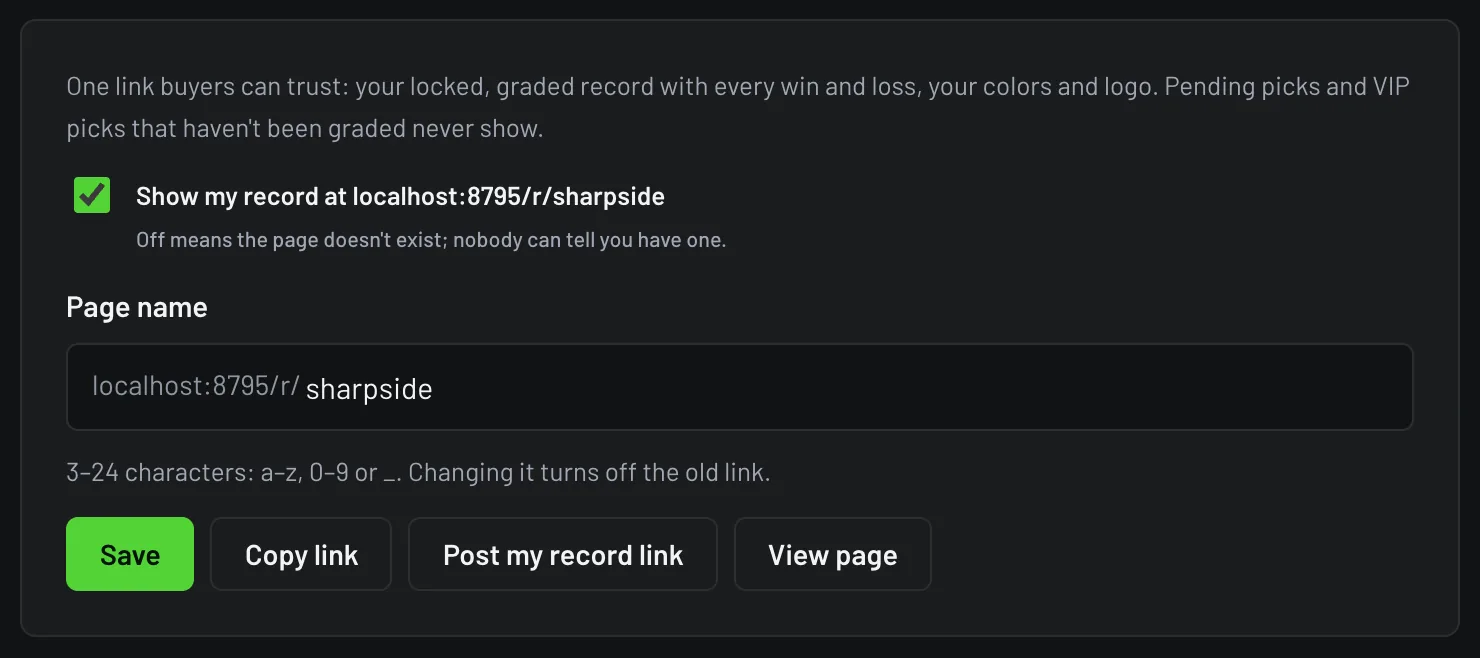
When it's off, the link shows "page not found", and nobody can tell you have an account.
## What people see
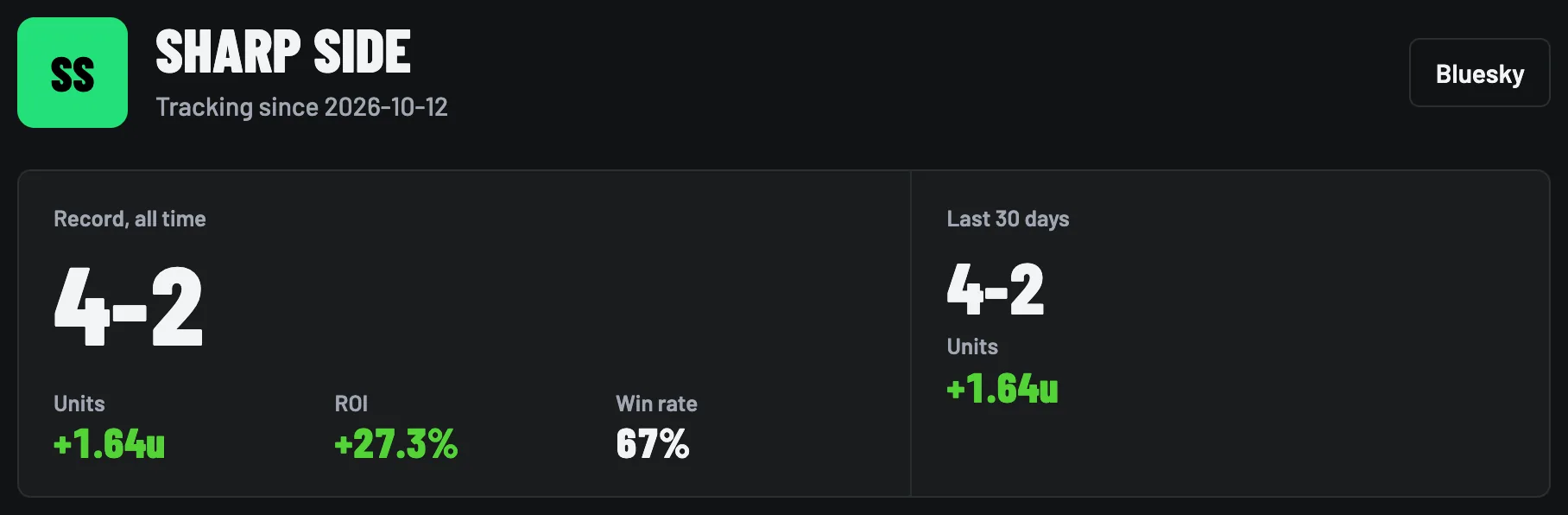
- Your brand (and logo on Pro) and platform links
- All-time W-L-P, units and ROI, plus the last 30 days
- Free vs VIP records, side by side
- Your units chart
- Your last 25 graded picks: date, pick, odds, result, final score
## What they never see
- Picks that haven't been graded yet, free or VIP. Nobody can tail your live picks from this page.
- VIP picks before they're graded. After the game they show with their result, the same as the result card you post.
- Results you graded by hand and can still Fix. They appear once they lock, 24 hours after grading.
- Your email, billing, slip images, schedules and held picks.
## Share it
- X bio: paste the link in your bio's website field. X posts from SlipRelay say "(link in bio)", so this is where people look.
- Discord: pin it in your free channel, or use Post my record link to post it as a record card.
- Bluesky: add it to your bio.
When you share the link on X or Discord, it shows a record card with your brand and W-L-P.
## Why it can be trusted
Only results SlipRelay graded from final scores, or hand grades that have locked, are counted. The period is always all-time plus the last 30 days, so it can't be cherry-picked. Every loss shows, the same as every win. Each page links to how grading works.
Past results don't guarantee future results. 21+. Gambling problem? Call 1-800-GAMBLER.